
NEET PG Application Process 2026: Step‑by‑Step Complete Guide
 aspirantmitraa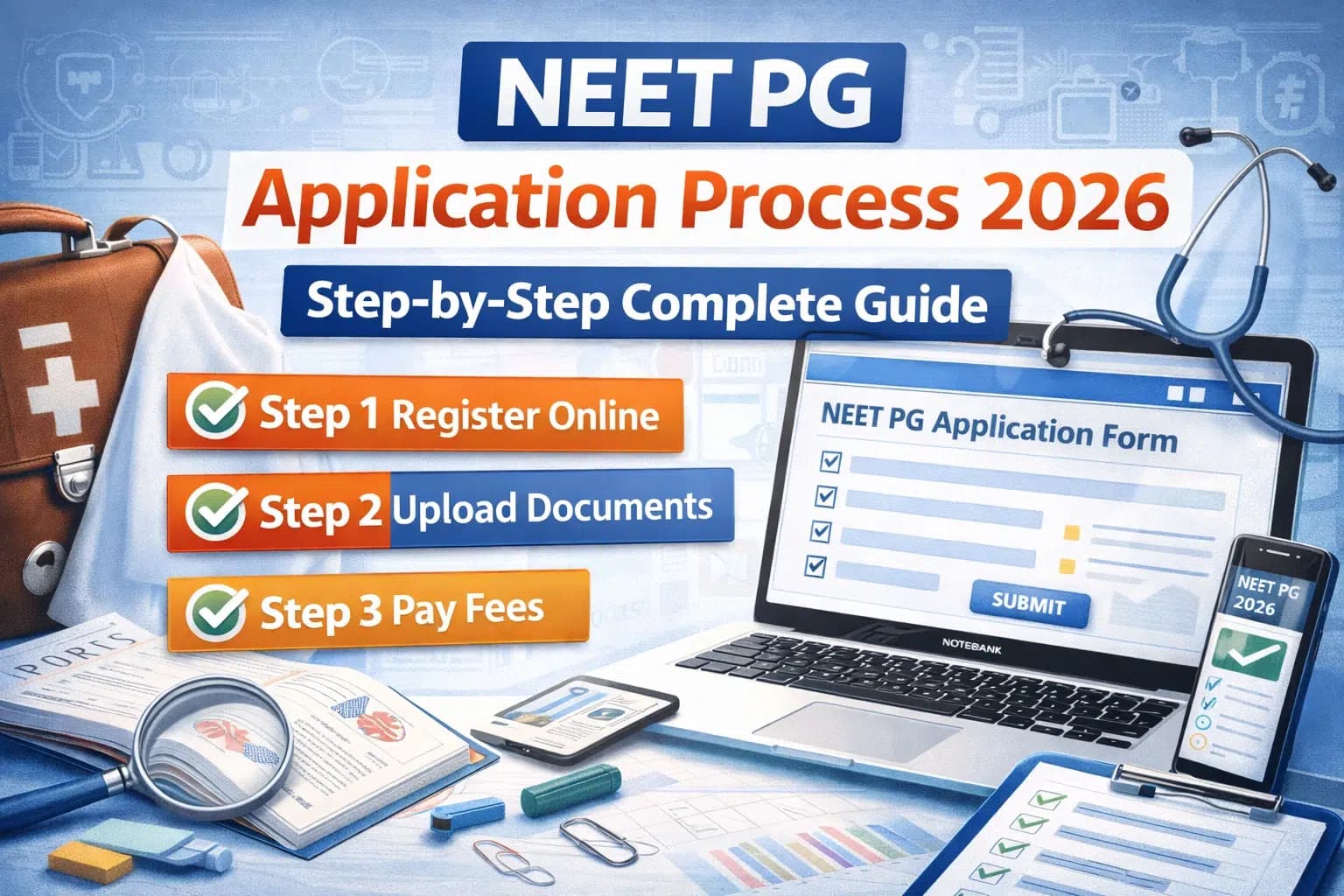
The NEET PG application process 2026 is a crucial gateway that every medical graduate must navigate successfully to appear for this prestigious postgraduate entrance examination. With the NEET PG 2026 exam scheduled for August 30, understanding the complete registration and application procedure becomes paramount for all aspiring postgraduate medical students. This comprehensive guide walks you through every step of the NEET PG online application process.
Ready to Ace Your Exam?
Practice with our comprehensive test series designed by experts. Get detailed solutions, performance analytics, and boost your preparation.
Explore Test SeriesWhen Does NEET PG 2026 Registration Begin?
Based on historical patterns and the announced exam date, NEET PG 2026 registration is expected to commence in March 2026. The National Board of Examinations in Medical Sciences (NBEMS) will release the detailed information bulletin containing exact dates, application fees, and complete guidelines on their official website natboard.edu.in.
Expected Timeline:
- Registration Start: Early to Mid‑March 2026
- Registration End: Late March to Early April 2026
- Last Date for Fee Payment: 1‑2 days after registration closes
- Correction Window: Usually provided for 3‑5 days after registration
Candidates should regularly check the official website for precise date announcements to avoid missing the registration window.
Prerequisites Before Starting Application
Before beginning your NEET PG 2026 application, ensure you have the following ready:
Essential Documents (Scanned Copies Required)
Educational Documents:
- MBBS degree certificate or provisional pass certificate
- MBBS mark sheets (all professional examinations)
- 10th standard certificate and mark sheet
- 12th standard certificate and mark sheet
Identity Proof:
- Aadhaar card, PAN card, Passport, or Driving License
- Government‑issued photo ID proof
Professional Documents:
- Medical Council Registration Certificate (permanent or provisional)
- Internship completion certificate (or undertaking if not completed yet)
Photograph and Signature:
- Recent passport‑size photograph (colored, white background)
- Signature specimen on white paper
Category Certificates (if applicable):
- SC/ST/OBC certificate in prescribed format
- EWS certificate with income details
- PwD certificate (minimum 40% disability)
Technical Requirements:
- Valid email ID (active and regularly checked)
- Active mobile number
- Reliable internet connection
- Computer/laptop with updated browser
- Scanner or smartphone for document scanning
Having all documents ready before starting the application prevents interruptions and ensures smooth completion of the registration process.
NEET PG 2026 Application Process: Step‑by‑Step Guide
Step 1: Visit the Official NBEMS Website
Navigate to the official National Board of Examinations in Medical Sciences website at natboard.edu.in or the dedicated NEET PG portal once announced.
Look for the NEET PG 2026 application link, which will be prominently displayed on the homepage during the registration period.
Step 2: New Registration
Click on "New Registration" or "Register for NEET PG 2026" link.
Required Information:
- Full name (as per MBBS degree)
- Date of birth
- Gender
- Father's name
- Mother's name
- Email ID
- Mobile number
- Create password
- Security question and answer
After entering these details, you'll receive an OTP (One‑Time Password) on both email and mobile number for verification.
Important: Use an email ID and mobile number that you have regular access to, as all official communications will be sent to these.
Step 3: Email and Mobile Verification
Enter the OTP received on your email and mobile number within the stipulated time (usually 10‑15 minutes). If you don't receive the OTP, check spam folders or request resend.
Upon successful verification, your registration credentials (Application Number/Login ID and password) will be displayed on screen and sent to your registered email.
Save these credentials securely as you'll need them for all future logins during the application process and for accessing your admit card.
Step 4: Login to Application Portal
Using your registration credentials, log into the NEET PG 2026 application portal.
You'll be directed to your candidate dashboard showing the application form sections:
- Personal Details
- Educational Qualifications
- Medical Council Registration
- Category Information
- Contact Details
- Upload Documents
- Fee Payment
Step 5: Fill Personal Details
Complete all sections of the personal details form accurately:
Basic Information:
- Name exactly as per 10th certificate
- Date of birth
- Gender
- Nationality
- Marital status
Parent's Information:
- Father's name and occupation
- Mother's name and occupation
Address Details:
- Permanent address with PIN code
- Communication address (if different)
- State and district of residence
Identity Information:
- Aadhaar number (if available)
- PAN number (optional)
- Passport number (for foreign nationals)
Ensure all information matches your official documents exactly, as discrepancies can lead to rejection during verification.
Step 6: Educational Qualification Details
This section requires information about your academic background:
MBBS Details:
- College name and location
- University affiliation
- Year of admission
- Year of completion
- Total marks obtained
- Percentage
- Roll number
- Registration number
Previous Qualifications:
- 10th examination details
- 12th/Pre‑university examination details
- Marks and percentages
For candidates who studied abroad, additional details about university recognition by NMC may be required.
Step 7: Medical Council Registration Information
Provide details of your registration with State Medical Council or National Medical Commission:
Registration Details:
- Medical Council name (state)
- Registration number
- Date of registration
- Type of registration (permanent/provisional)
- Validity period (for provisional registration)
Candidates with provisional registration must update this to permanent registration before counseling begins.
Step 8: Internship Information
Complete details about your compulsory rotating internship:
Internship Details:
- Institution where internship was/is being completed
- Start date
- Expected/actual completion date
- Internship completion certificate number (if completed)
Important Note: As per NEET PG 2026 eligibility criteria, internship must be completed by September 30, 2026. If not completed at the time of application, you can provide an undertaking and submit the completion certificate during counseling.
Step 9: Category and Reservation Details
If you belong to reserved categories, fill in the relevant information:
For SC/ST/OBC Candidates:
- Select category
- Certificate number
- Issuing authority
- Date of issue
- State of issue
For EWS Candidates:
- Income certificate details
- Financial year of certificate
- Issuing authority
For PwD Candidates:
- Type of disability
- Percentage of disability
- Certificate details
- Requirement of scribe (if any)
Ensure certificates are in the prescribed format and issued by competent authorities.
Step 10: Upload Required Documents
Upload scanned copies of all required documents in specified format and size:
Document Upload Specifications:
Document Format Maximum Size Dimensions Photograph JPG/JPEG 50‑100 KB 3.5cm × 4.5cm Signature JPG/JPEG 20‑50 KB 3.5cm × 1.5cm Educational Certificates PDF 100‑300 KB per file - Category Certificates PDF 100‑200 KB - ID Proof PDF 100 KB - Upload Tips:
- Use good quality scanner or smartphone camera
- Ensure documents are clear and readable
- Background should be white for photo
- Sign on white paper with black or blue pen
- Compress files if they exceed size limits
- Maintain aspect ratio while resizing
After uploading each document, preview it to ensure clarity before proceeding.
Step 11: Review and Edit
Before final submission, carefully review all entered information:
Verification Checklist:
- Name spelling matches certificates
- Date of birth is correct
- Contact details are active
- Educational information is accurate
- All documents are uploaded correctly
- Photo and signature are clear
Most portals provide an "Edit" option allowing you to modify information before final submission. Use this facility to correct any errors.
Step 12: Fee Payment
After reviewing and confirming all details, proceed to fee payment section.
Expected NEET PG 2026 Application Fee: (Based on previous years, exact fee will be in information bulletin)
- General/OBC Candidates: ₹4,500 - ₹5,000
- SC/ST/PwD Candidates: ₹3,500 - ₹4,000
Payment Modes Accepted:
- Credit Card
- Debit Card
- Net Banking
- UPI Payment
- Payment Wallets
Payment Process:
- Select payment mode
- Enter required payment details
- Complete authentication (OTP/password)
- Wait for payment confirmation
- Save payment receipt/transaction ID
Important: Do not press back or refresh during payment processing. Wait for confirmation page to load completely.
Step 13: Final Submission
After successful payment:
- A confirmation page will appear showing your application status
- Download and save the confirmation page PDF
- Note your application number prominently
- You'll receive confirmation email on registered email ID
- SMS confirmation will be sent to registered mobile number
Post‑Submission:
- Take printout of confirmation page for your records
- Save the PDF in multiple locations (email, cloud storage, hard drive)
- Regularly check email for any communications from NBEMS
Correction Window
NBEMS usually provides a correction window for 3‑5 days after registration closes, allowing candidates to modify certain fields:
Editable During Correction Window:
- Category information
- Contact details (email, mobile)
- Photograph and signature (if required)
- Educational details (with valid reasons)
Non‑Editable Information:
- Name
- Date of birth
- Gender
- Nationality
Utilize the correction window to rectify any errors noticed after submission.
Application Fee Refund Policy
Understanding the refund policy is important:
Refund Scenarios:
- Examination cancelled by NBEMS: Full refund
- Duplicate payment by candidate: Excess amount refunded
- Rejection due to eligibility issues: Usually no refund
- Candidate decides not to appear: No refund
Refunds, when applicable, are processed to the original payment mode within 4‑6 weeks.
Admit Card Download
After successful registration and application, the next crucial step is downloading your admit card:
Expected Admit Card Release: Late July 2026
Download Process:
- Visit official NBEMS website
- Click on "NEET PG 2026 Admit Card" link
- Login using application number and password
- Download and save admit card PDF
- Take multiple printouts (colored preferred)
Admit Card Contains:
- Candidate name and photograph
- Exam date and time
- Reporting time
- Exam center address and code
- Important instructions
Candidates must carry the admit card and valid photo ID proof to the examination center. No candidate will be allowed entry without these documents.
For comprehensive understanding of what follows after application, refer to our guide on NEET PG exam pattern and preparation strategies.
Common Application Errors to Avoid
Wrong Email/Mobile Number: All communications are sent via these channels. Ensure they're active and regularly checked.
Mismatched Information: Name spelling, date of birth must exactly match your certificates.
Poor Quality Documents: Blurred or unclear documents may lead to rejection. Use good scanner/camera.
Late Payment: Complete payment well before deadline. Last‑minute technical issues can cause problems.
Ignoring Correction Window: If you notice errors post‑submission, use the correction facility immediately.
Not Saving Confirmation: Always save and print application confirmation page for future reference.
Technical Support and Helpdesk
During the application process, if you encounter technical difficulties:
NBEMS Helpdesk:
- Check official website for helpline numbers
- Use the communication web portal for queries
- Email support usually responds within 24‑48 hours
- Have your application number ready when seeking help
Common Technical Issues:
- Payment successful but confirmation not received: Wait 24 hours, check bank statement
- Document upload failing: Check format, size, compress if needed
- Website not loading: Try different browser, clear cache, check internet
- OTP not received: Check spam folder, request resend after 5 minutes
After Application Submission
Once your application is successfully submitted:
Stay Updated:
- Regularly check NBEMS website for notifications
- Monitor registered email for important communications
- Check SMS on registered mobile number
- Follow official NBEMS social media (if any)
Prepare for Exam: With application formalities complete, focus entirely on preparation using knowledge of NEET PG exam pattern.
Document Safety: Keep all original documents safe and accessible for counseling process post‑exam.
Frequently Asked Questions
Q: Can I apply for NEET PG if my internship is not complete?
Yes, but you must complete it by September 30, 2026 to be eligible for counseling.
Q: What if I make a mistake in the application form?
Use the correction window provided by NBEMS to modify certain details.
Q: Can I get a refund if I don't want to appear for the exam?
No, application fees are generally non‑refundable once submitted.
Q: Is offline application accepted for NEET PG?
No, NEET PG accepts only online applications through the official website.
Q: What if my payment is successful but confirmation page doesn't load?
Wait for 24 hours. Check your email and bank account. Contact helpdesk if issue persists.
Q: Can I apply from mobile phone?
While possible, using a computer/laptop is recommended for better experience and document upload.
Q: What documents are needed at exam center?
Admit card and valid original photo ID proof are mandatory.
The NEET PG application process 2026 is entirely online and straightforward when approached systematically. Starting from new registration to final submission, each step requires attention to detail and accuracy. Ensure you have all required documents ready, fill information matching your certificates exactly, upload clear document scans, and complete payment before deadlines.
With the NEET PG 2026 exam date announced, timely completion of the application process is crucial. Begin your preparation by gathering documents well in advance, and complete registration promptly when the portal opens in March 2026. Following this comprehensive guide ensures a smooth, error‑free application experience, allowing you to focus your energy on exam preparation rather than application worries.
Remember, successful application is your entry ticket to NEET PG 2026 complete it carefully, submit it timely, and then channel all efforts toward achieving your dream postgraduate medical seat.
For official application guidelines and detailed information bulletin, visit natboard.edu.in during the registration period.
Ready to Ace Your Exam?
Practice with our comprehensive test series designed by experts. Get detailed solutions, performance analytics, and boost your preparation.
Explore Test Series